60% attendee adoptionEngagement up to 2 months post-eventWhite-label app
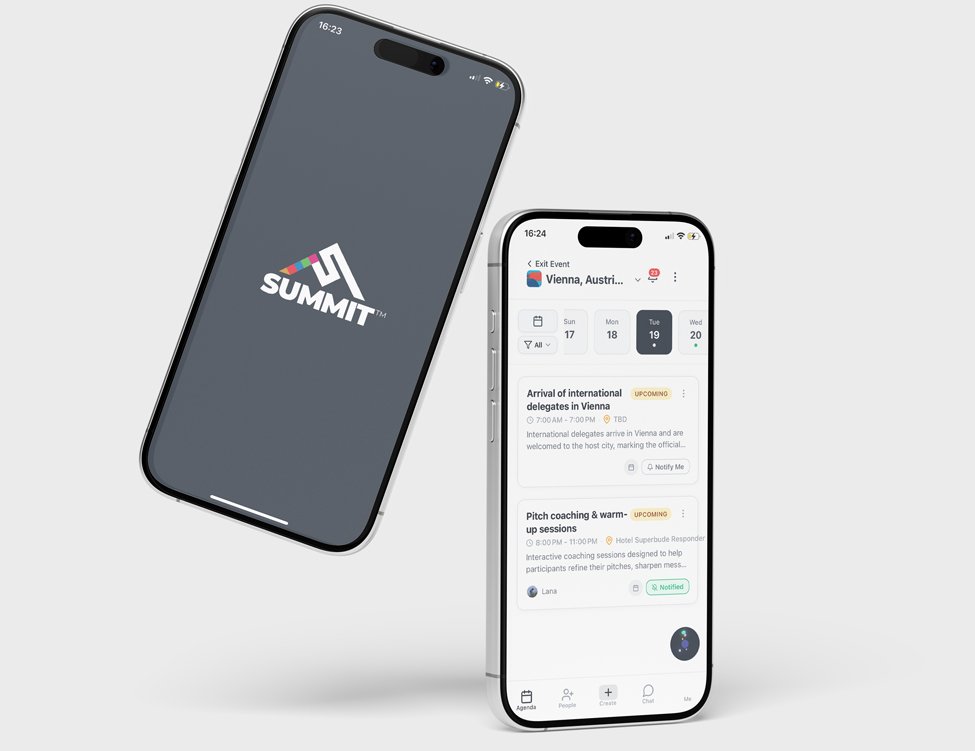
Post-event interviews kept surfacing the same three pains: unnavigable PDF calendars, inefficient networking, and a community that fragmented after every event. The Summit App fixed all three. Over 60% of attendees used it, and it continues getting engagement up to two months after events.
 Context
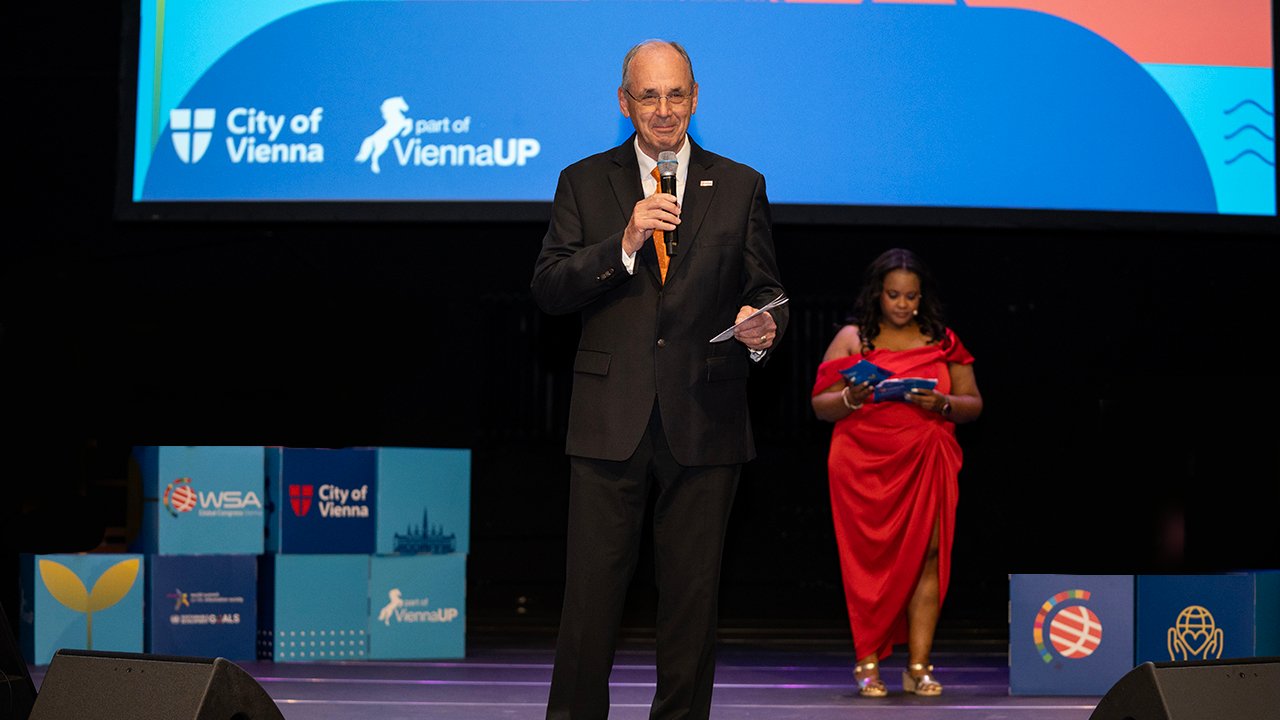
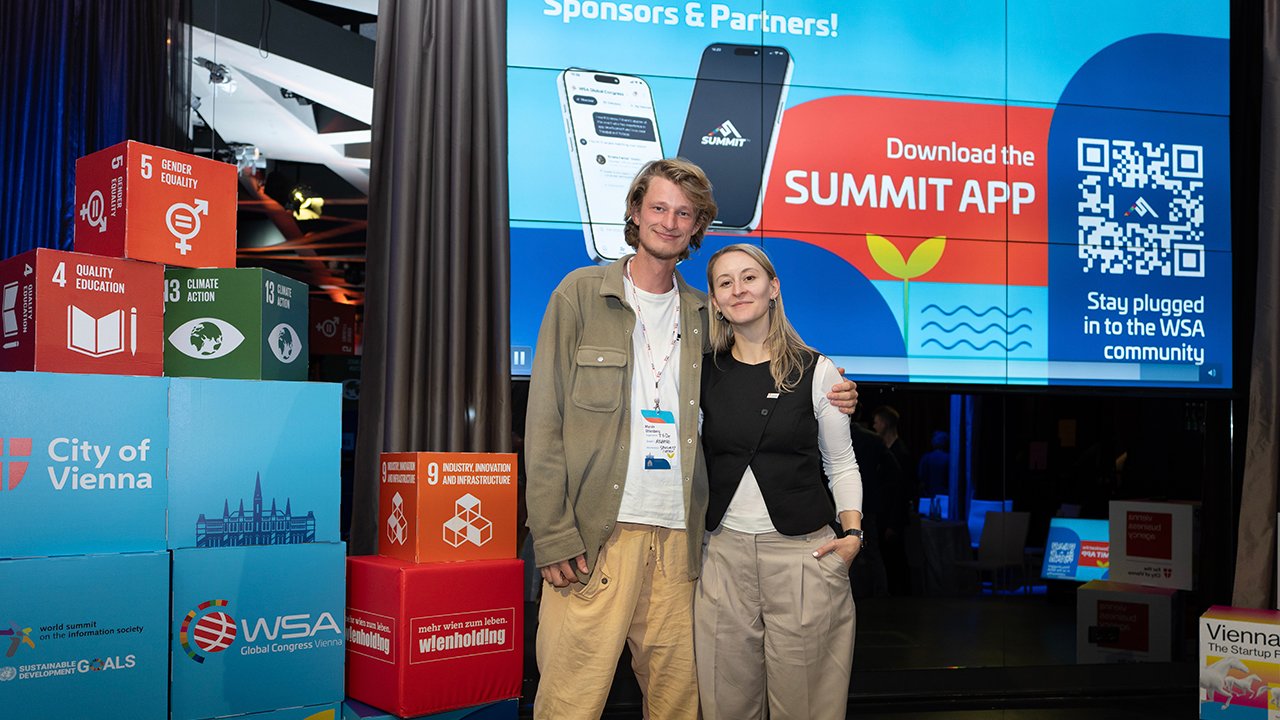
WSA is a UN-backed organization that gives awards to projects supporting the UN Sustainable Development Goals. Several times a year, they host regional and global events to celebrate award winners and provide valuable networking opportunities for attendees. I was in charge of the WSA website (there is another case study about that). To make the website more helpful, I often followed up with 5–10 people I had met at each event. I asked them what they were hoping to get out of the event and what could be improved.
Problem
In these interviews, the same themes kept coming up. One was that the calendar (a PDF sent through a WhatsApp group) was hard to navigate. Another was the inefficiency of the networking. A person working in agritech in Japan had very little to say to someone working in fintech in Chile. Also, the jumble of emails and LinkedIn connections attendees ended up with was often difficult to sort through and follow up on. The WSA community would come together for these events, but would mostly fragment again immediately afterwards.
What I did
My first impulse was to address these issues through the website. I built several MVPs, including an AI agent that had access to attendee and project data and suggested connections aligned with each user’s goals. These solutions received mostly positive feedback but were clunky and often drowned out by other communication channels. I also evaluated several SaaS solutions. While many solved the calendar problem, none effectively improved networking or helped maintain community engagement after the event. I considered building a custom app, but WSA did not have an in-house mobile developer or the budget to hire an agency.
Team and constraints
Summit was built by two people for one very clear stakeholder. Emeka, a developer I met through the WSA community, built the app and worked partly for equity. Making it white-label, so it could serve clients beyond WSA, was his idea, and it’s the reason Summit is an independent product today. Peter Bruck, WSA’s Chairman, was only interested in an app if it kept people engaged between events and strengthened what WSA really offers its members: network capital. That set the bar for every decision. A better calendar alone wouldn’t meet it, so the calendar was only the first iteration. The second focused on projects, the community feed and connections.
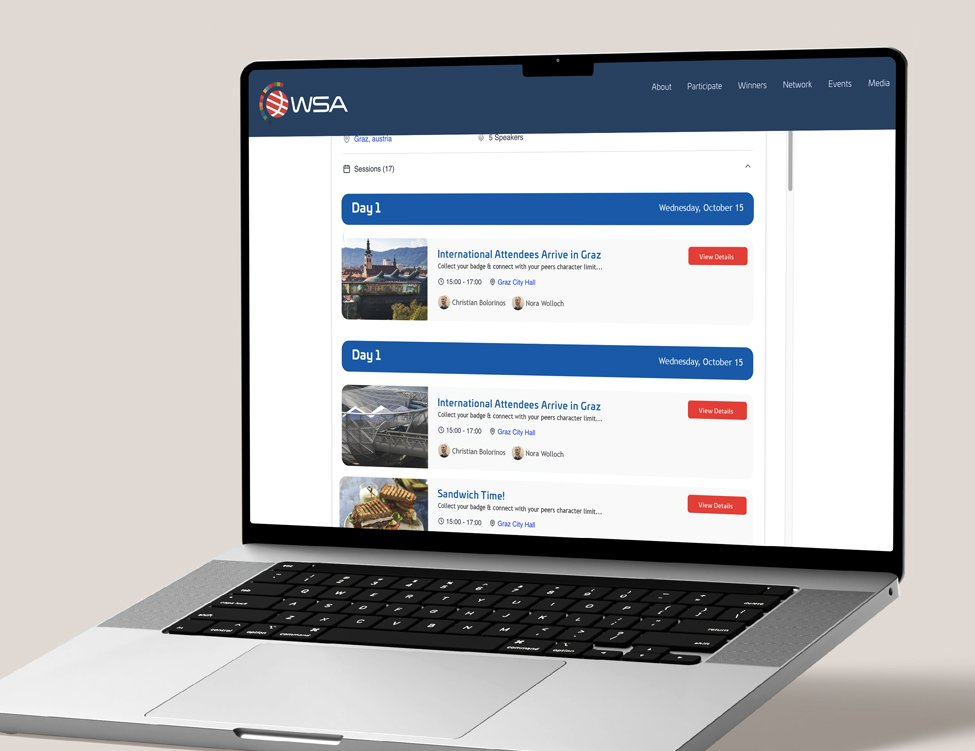
Explore it on the Summit website.
The first iteration of the app focused solely on calendar functionality. It provided a clear schedule of all sessions, allowed users to sync events with their personal calendars (iCal, Outlook, or Google), view session locations via Google Maps or Apple Maps, and access speaker profiles and LinkedIn pages. The app was embedded within the website so that users who preferred not to download an app could still access the schedule. This successfully solved the calendar problem but did not yet address networking. However, it helped onboard users, which made later iterations easier to roll out.
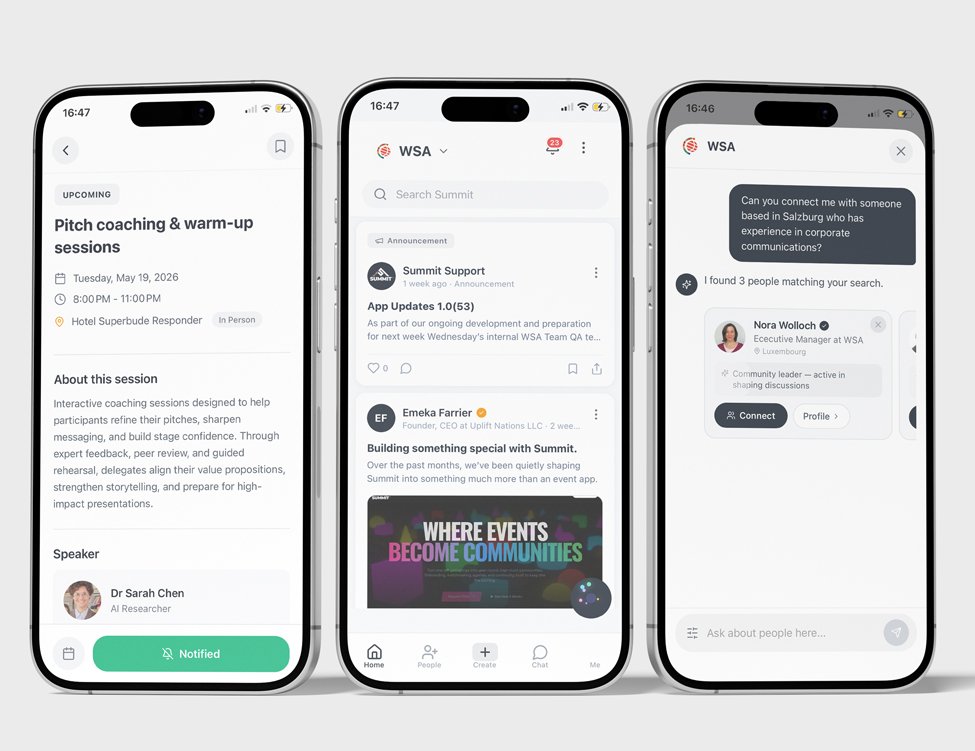
The second iteration retained the calendar and introduced two new sections: Projects and Community Feed. The Projects section displayed profiles of all winning teams, their objectives, and their social links, allowing attendees to follow up after the event. The Community Feed functioned as a forum where participants could post what they were looking for (investors, employees, or partnerships) and discover others with similar goals. The app also allowed users to browse attendee profiles and identify who might be most relevant to connect with.
The app also featured an AI agent that could provide information about winners, the agenda, and attendees. This agent supported networking during the event by suggesting people to connect with based on each user’s expertise and objectives. It also helped attendees use their time more efficiently by recommending the most relevant sessions.
We expected the app to attract spam if it got into the wrong hands, so we handled access during onboarding. Admins upload a CSV of their mailing list, and anyone who signs up with an email on that list gets full access. Everyone else gets guest access, which hides the forum and the attendee directory, unless they have an invite code. Codes went out in email campaigns and on QR codes at events, and expired after a set time.
Because the app was white-label, we had to decide which parts of the brand clients could customize (colors, fonts, logo, some of the wording, and which features were switched on) and which stayed fixed (the glassy textures, the gradients and the core functionality). The design library was built around that split, and so was the code: one theme file holds everything customizable, so swapping it changes the whole look of the app.
 Results
60%attendee adoption
After two events the data was clear: over 60% of attendees engaged with the app, and engagement continued for up to two months after each event.
That second number is the one Peter cared about: people were still using the app to follow up long after the event ended.
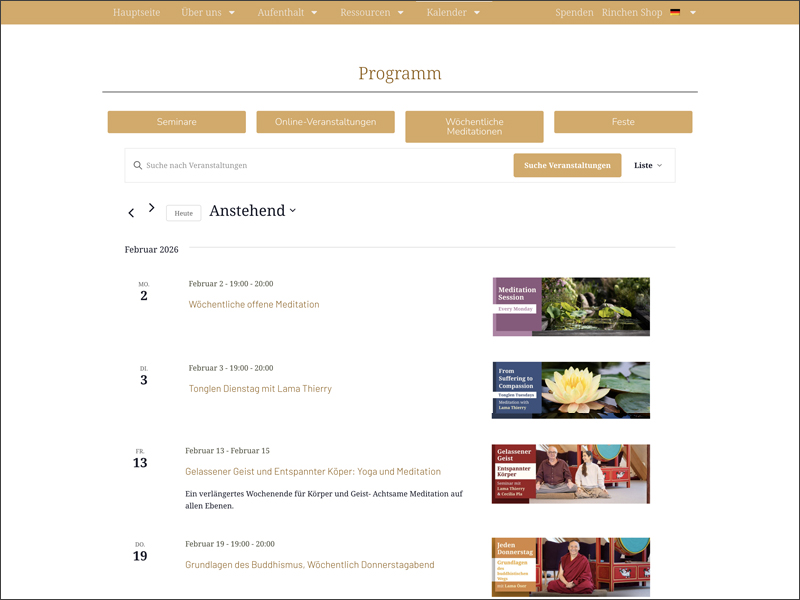
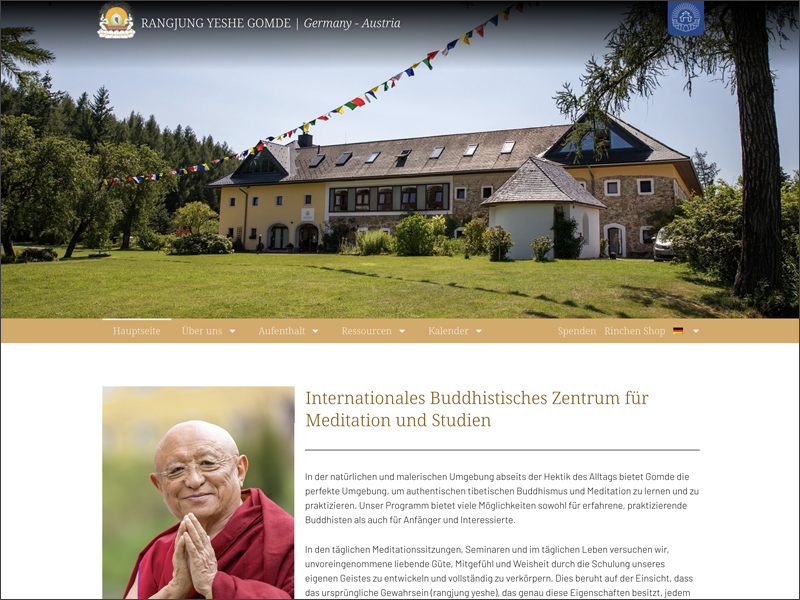
Summit has since spun out of WSA and now operates as an independent product, serving clients with no connection to the organisation it was originally built for — among them Gomde and Quinta del Sordo.
Related WSA work
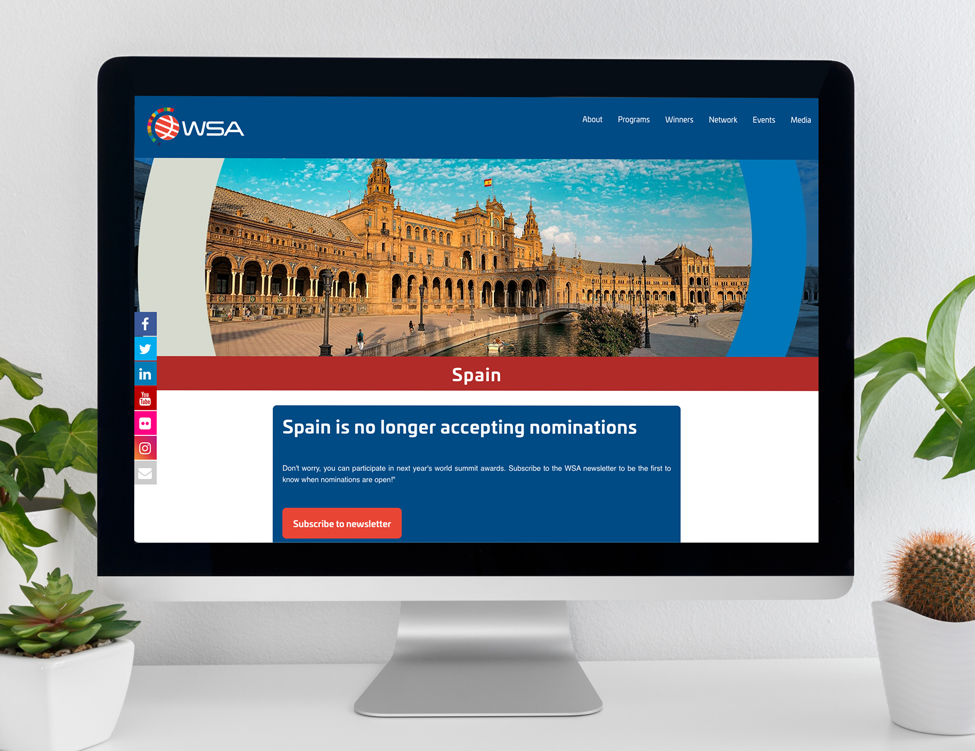
This grew out of a wider remit at WSA that also covered the website and the identity for their flagship event.
See the WSA Country Pages case study →
See the WSA Global Congress Branding case study →